work / Autoplay Blocker
Chrome extension · side project
Videos and audio play when you ask, not when a page decides.
Autoplay Blocker stops the playback itself, not only the sound. One click allows any site you trust.
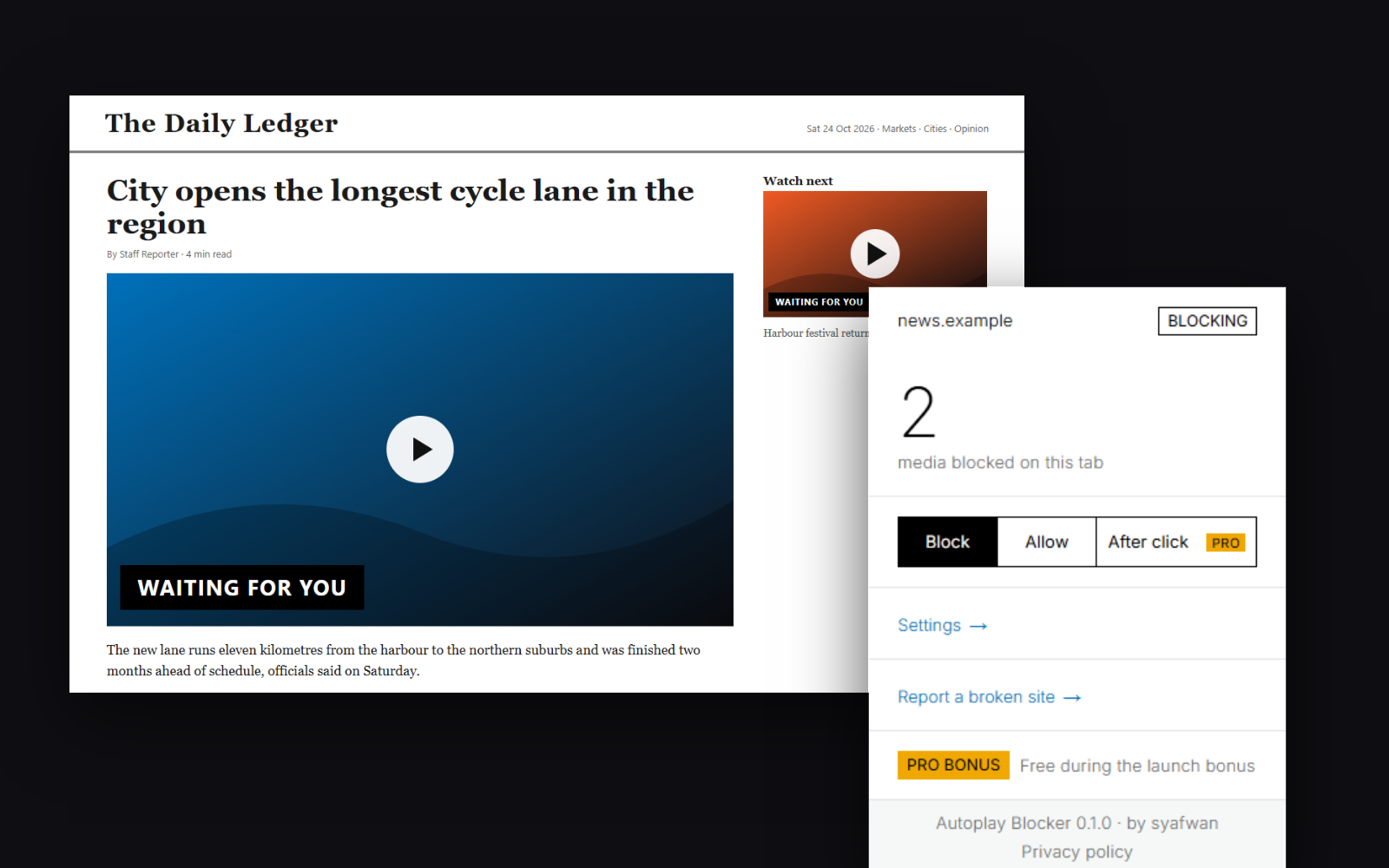
Muting is not stopping
Chrome has no setting that turns autoplay off. Its Sound setting only silences a site: the video keeps running, keeps downloading and keeps using your CPU.
Muted video is always allowed
Chrome lets any video play without sound, so the embed in every news article starts by itself.
Surprise sound in meetings
A background tab starts talking in the middle of a call.
Data you did not ask for
On a limited plan, a muted autoplay video still downloads in full.
Same page, with and without
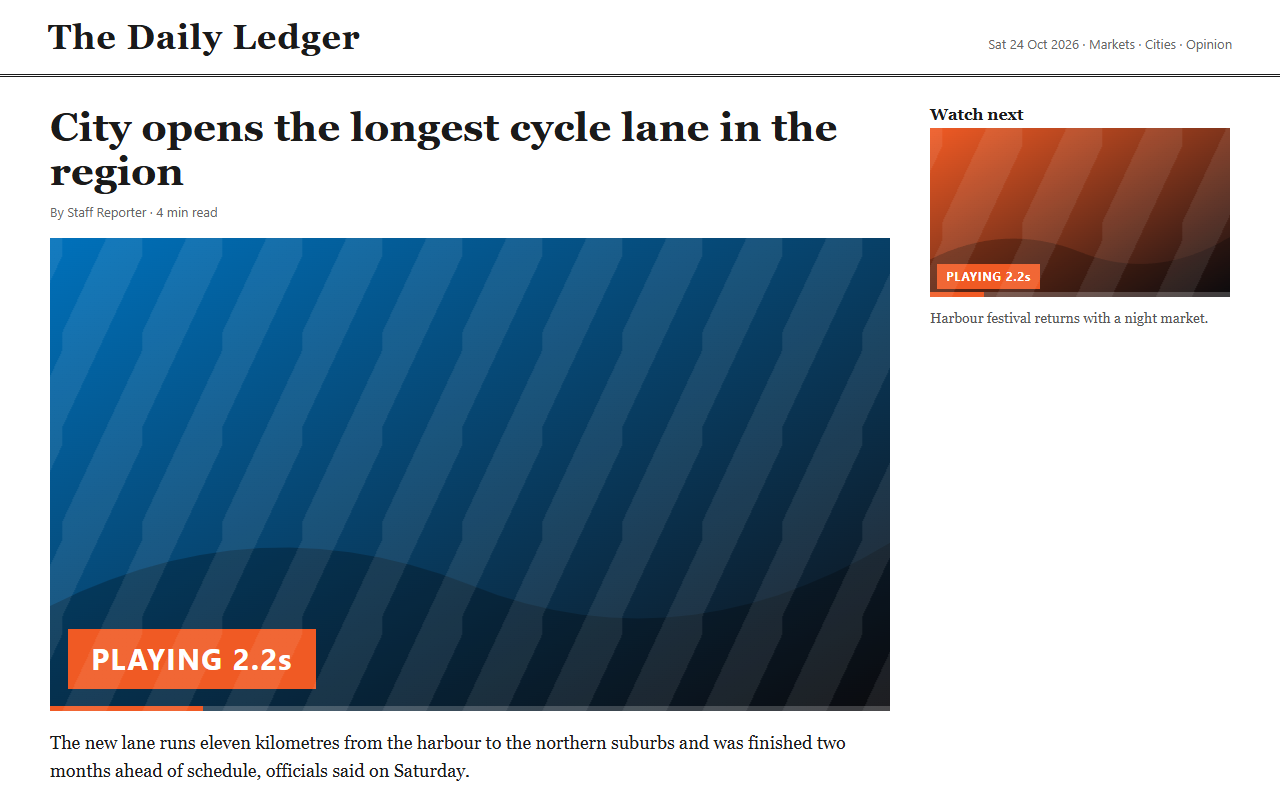
Both videos start on their own, muted but running.
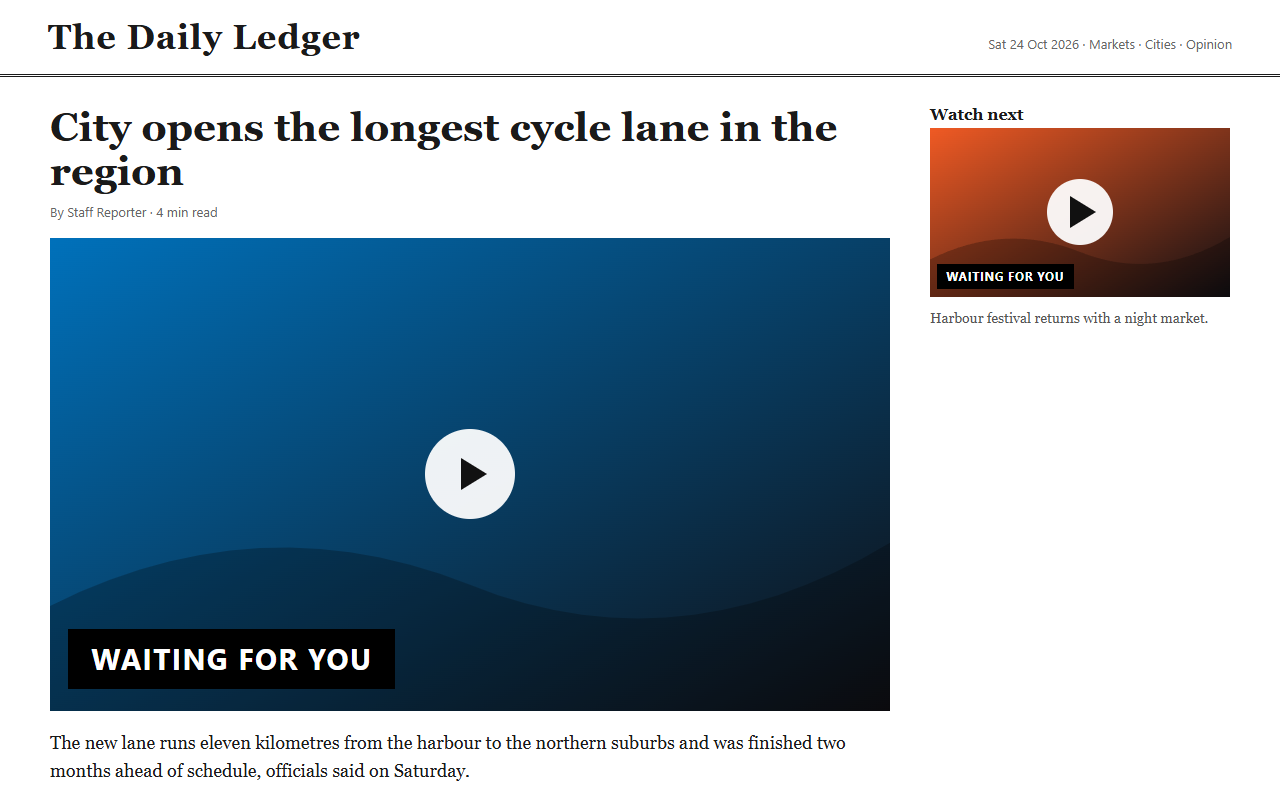
Nothing starts. The toolbar badge counts what was held back.
One job, done properly
Stops, not mutes
Blocks autoplay of video and audio on every site, muted autoplay included.
Allow a site in one click
Allow or block the current site from the toolbar. A rule for a domain also covers its subdomains.
Knows what you chose
Click a video, or press a key for the main one, and it plays. The approval belongs to that video only.
Badge and dimmed icon
See how many media were blocked on the tab. The icon dims on sites you allow.
Never breaks calls
Live media such as video calls and streams is left alone.
Embeds follow the page
The site in the address bar decides, so allowing a news site also allows the player inside it.
Free and Pro
Blocking is free and always will be. Pro adds control for people who tune their sites.
| Feature | Free | Pro |
|---|---|---|
| Blocks video and audio autoplay on every site | ● | ● |
| Allow or block the current site from the toolbar | ● | ● |
| Badge with the number of media blocked | ● | ● |
| Manage site rules in settings | – | ● |
| Changes apply to the open page, no reload | – | ● |
| "After click" mode: blocked until you click the page | – | ● |
| Blocks YouTube animated hover previews | – | ● |
| Supports the development of Autoplay Blocker | – | ● |
How it works
- 01
It runs first
A small script runs in every frame before the page loads and holds playback back until it knows the rule for the site.
- 02
Rules stay with you
Your rules live in the extension on your computer. They never enter the page, so a page cannot forge an "allow".
- 03
The top site decides
The page in the address bar picks the rule, and an embedded player follows it.
Privacy and permissions
The extension collects nothing and makes no network requests of its own. Your rules and settings stay in your browser.
- Access to all sites
- The blocker has to run on every page and frame to stop media before it starts.
- storage
- Keeps your site rules, settings and the per-tab blocked counter.
- declarativeNetRequestWithHostAccess
- Pro: one rule that blocks YouTube animated preview images.
What it does not do yet
- Audio made with the Web Audio API and players that draw to a canvas are not covered.
- Animated hover thumbnails are pictures, not media. On Free they keep moving; Pro blocks YouTube’s.
- On sites such as TikTok the arrow keys count as asking for the next video, so it plays.
- Whether a click means "play this video" is a heuristic. Unusual players may need a fix.
Questions
Why not just mute the site in Chrome?
Muting only removes the sound. The video still plays and downloads. This stops it.
A site stopped working. What now?
Allow it from the toolbar. To report it, turn on debug mode: run localStorage.setItem("ab-debug", "1") in the page console and reload, then send the lines starting with [AB].
Is it free?
Blocking is free. Pro features are free during the launch and will need a licence later.
Does it work in Edge or Firefox?
Chrome first. Edge is next. Firefox and Safari are not planned.
When will it be on the Chrome Web Store?
Soon. Until then it is built and tested locally.
Let playback be your choice again
The Chrome Web Store listing is on its way.
Add to Chrome coming soonBuilt by syafwan, in the open as a side project.